Bilt Neighborhood OS is where residents ask for help, in the app or by phone. HappyCo turns each request into a triaged work order your onsite and leasing teams can follow right in Bilt, without opening HappyCo.
Residents ask for help in Bilt or by phone, and see each request’s status in the app until it’s resolved. Your team works every request in HappyCo, and leasing teams follow along in Bilt.
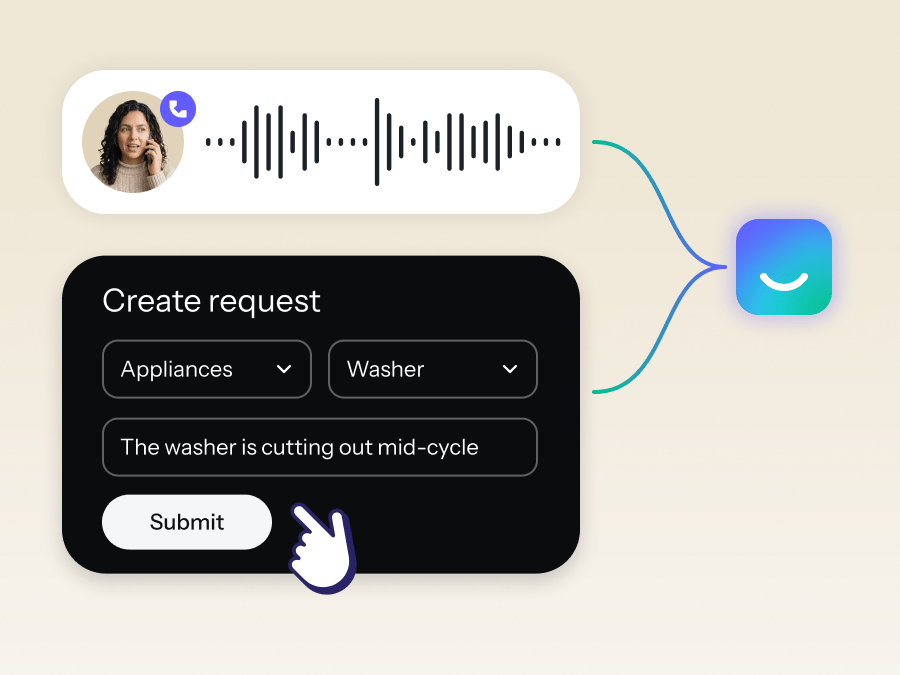
A resident submits a request in the Bilt app or by phone. Either way, it arrives in HappyCo as a work order.
Each request becomes a work order in HappyCo. If enabled, JoyAI adds the details and flags anything urgent.
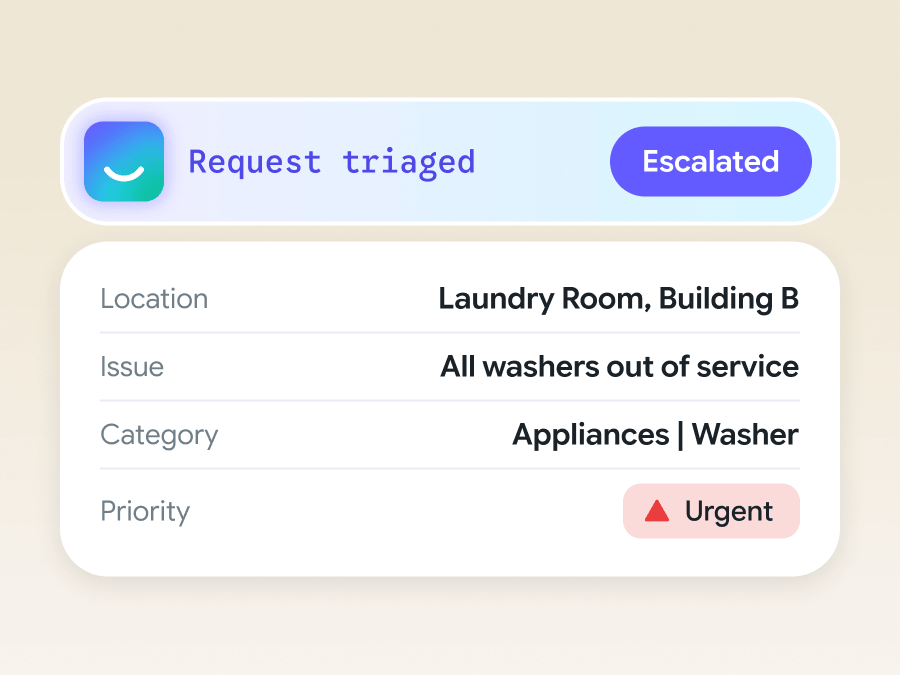
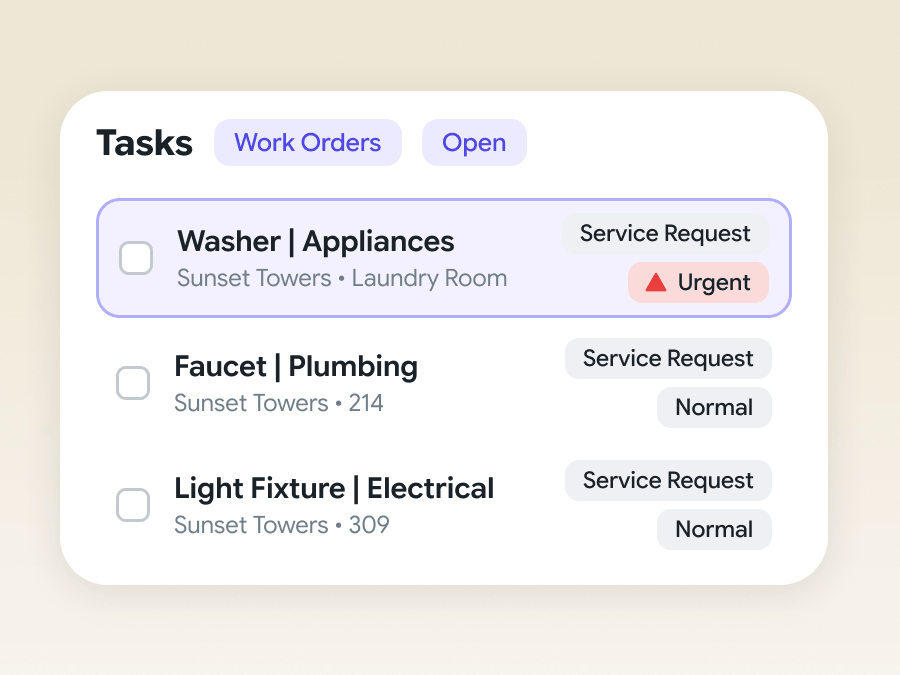
The urgent work order tops the queue. Your team completes it in HappyCo, with notes on the record.
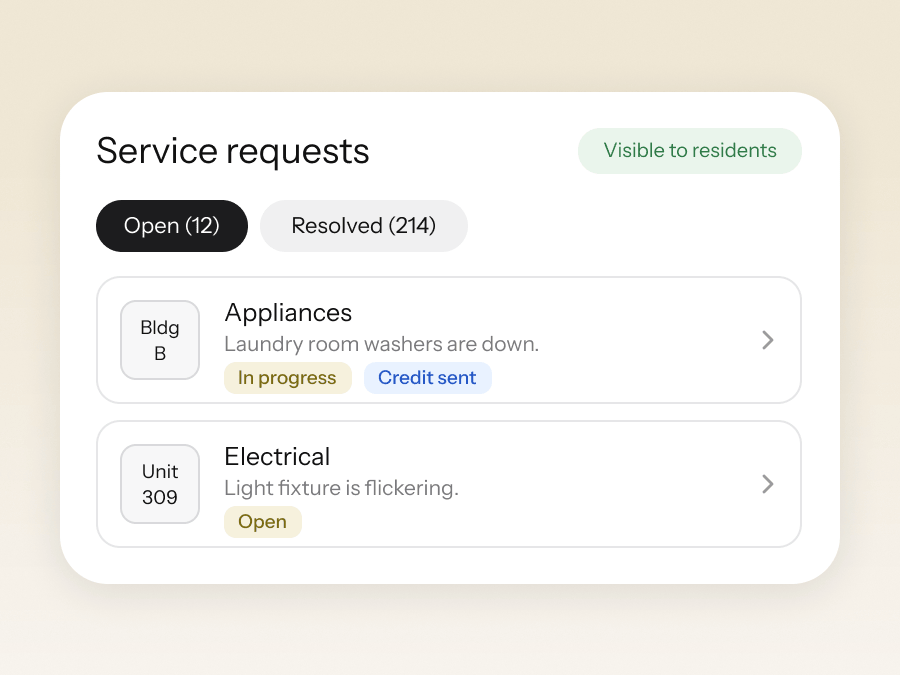
Residents and leasing teams see progress in Bilt, and Bilt can send a laundromat credit in the meantime.

[PLACEHOLDER] Residents submit requests right in Bilt, and they land as HappyCo work orders our team can act on. Residents see every update without having to call the office.
Placeholder Name
Director of Operations, Placeholder Residential
Book a demo to see Bilt x HappyCo in action.

Residents ask in Bilt or by phone, and HappyCo logs the work order
Requests from Bilt arrive in HappyCo with the details and photos technicians need
Onsite and leasing teams track every request right in Bilt